Not a manual, a playbook. Pick your role and learn exactly how your day runs: what to tap, what to say into the mic, and what happens next. Every guide uses real screenshots and real examples from a working HVAC shop.
FieldForge is one loop: work happens → a voice note describes it → an invoice builds itself → the customer pays → everything downstream updates on its own. Truck stock, the tech’s pay, QuickBooks, review requests and your reports all key off that loop, with no extra typing from anyone.
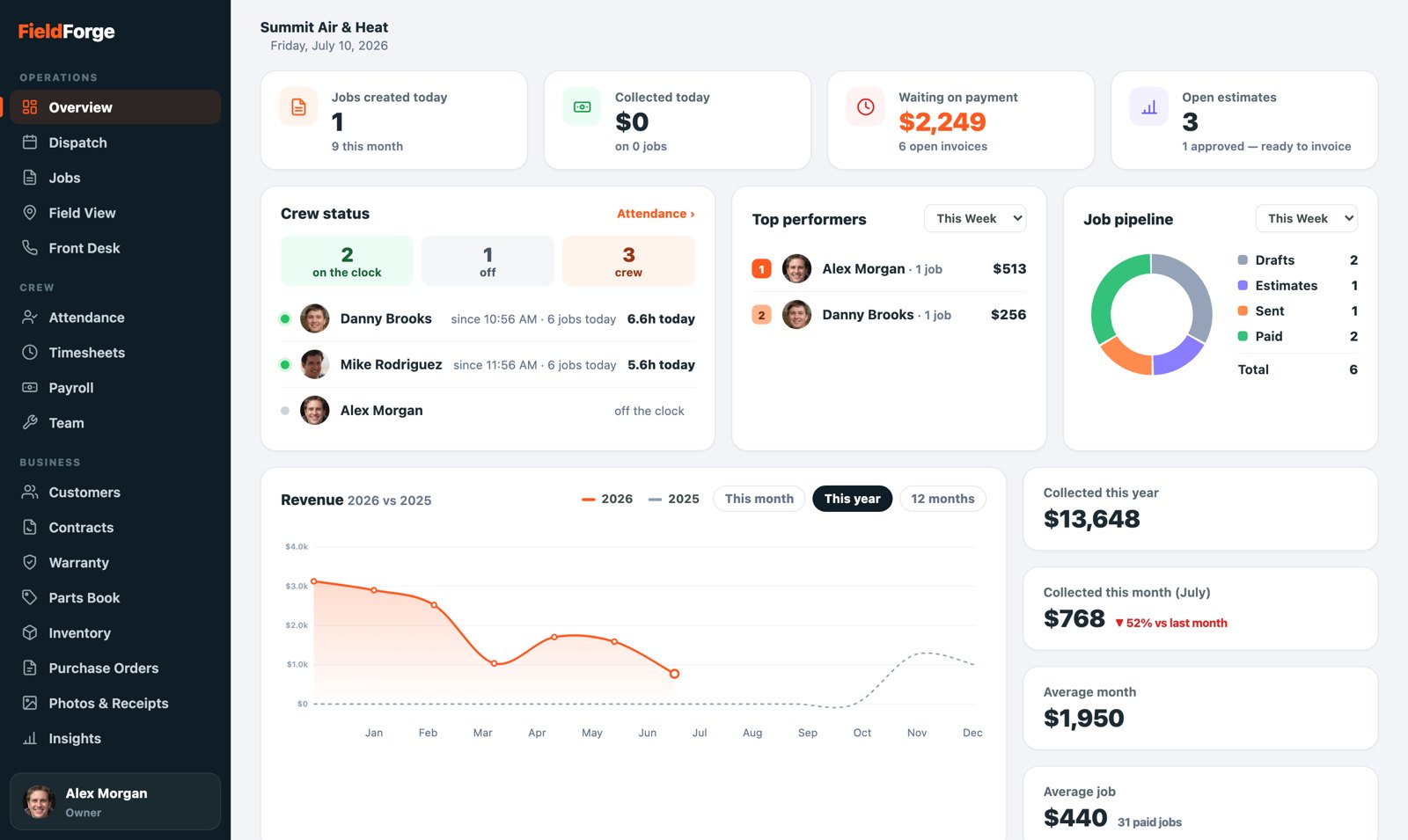
The Command Center: the owner’s view of the loop, live.
Techs create the record of work, by talking. Everything else keys off their voice notes and clock-ins.
Owners approve and tune: pay profiles, timesheets, reimbursements, prices, and the settings that switch automations on.
Admins keep the day moving: bookings confirmed, customers clean, purchase orders flowing, low stock handled.
New shop? Start here: work through the Setup Checklist first (about an hour of actual work), then invite the crew. A tech’s Day One takes five minutes.